

MiCycle Pro
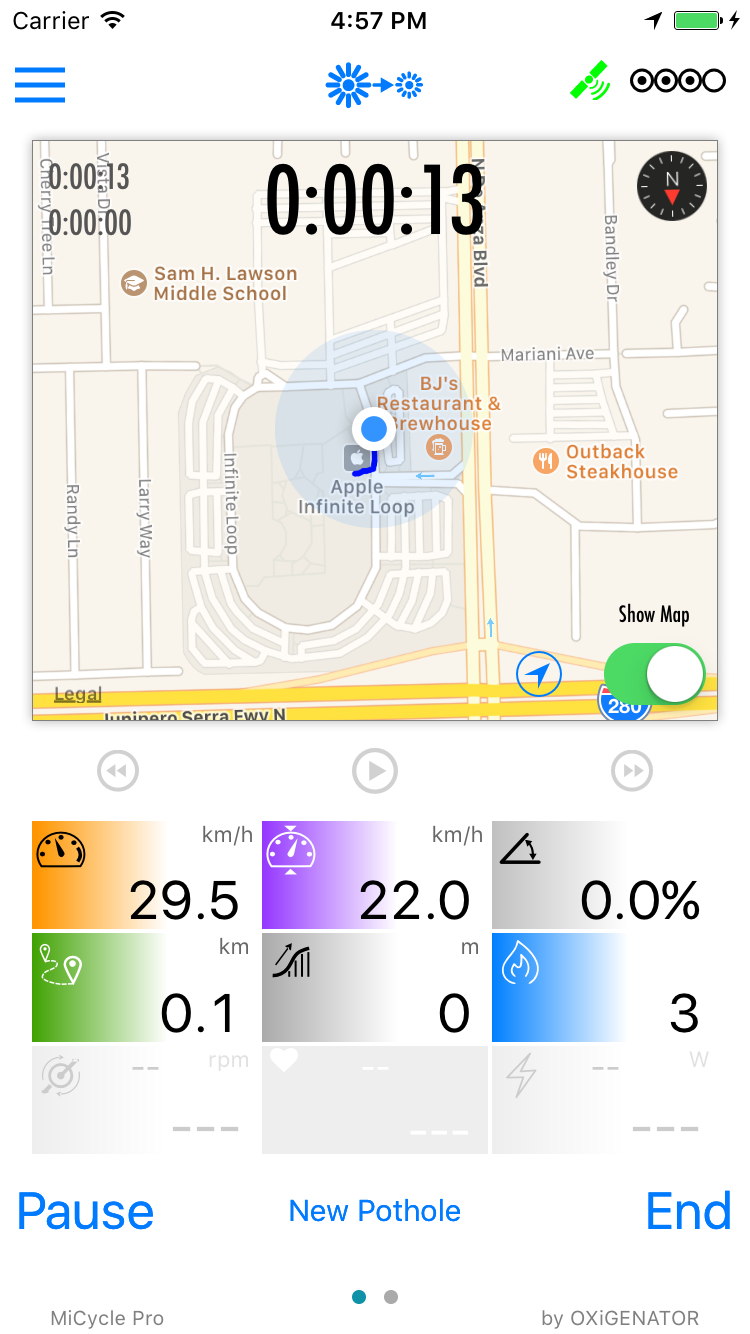
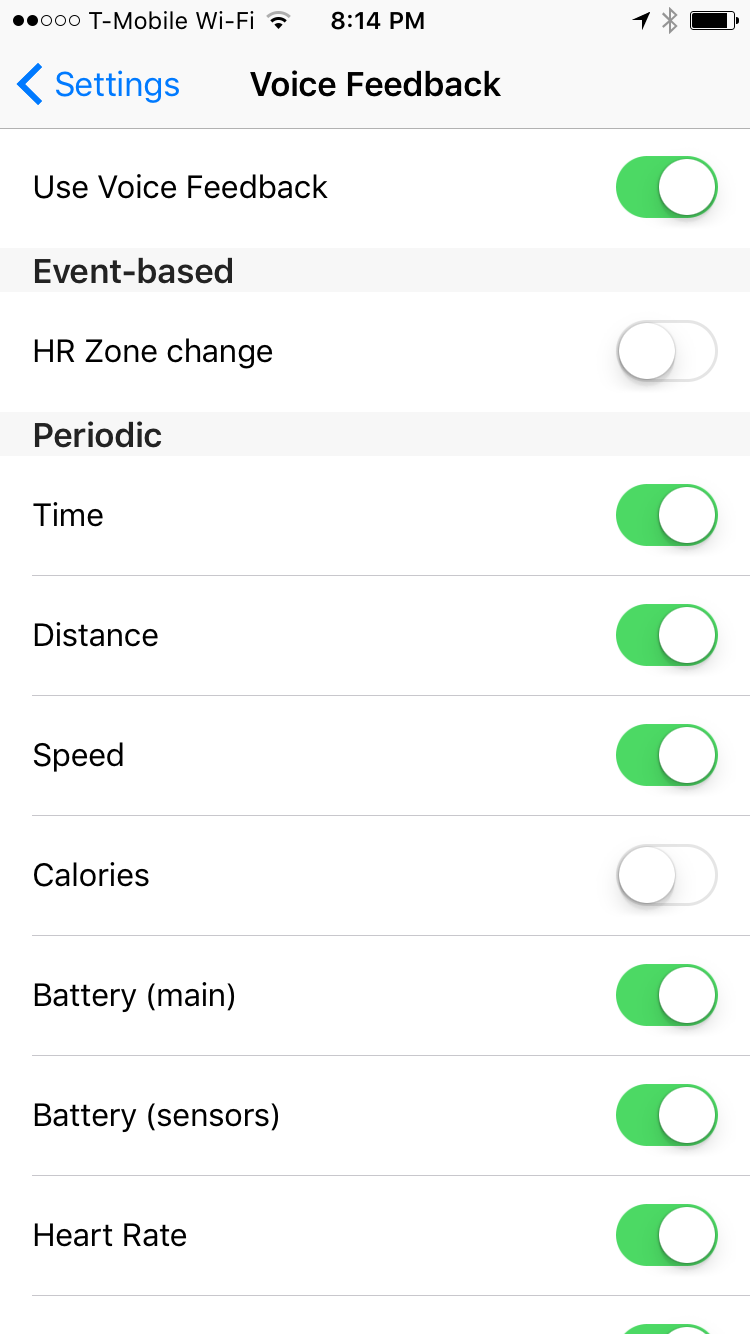
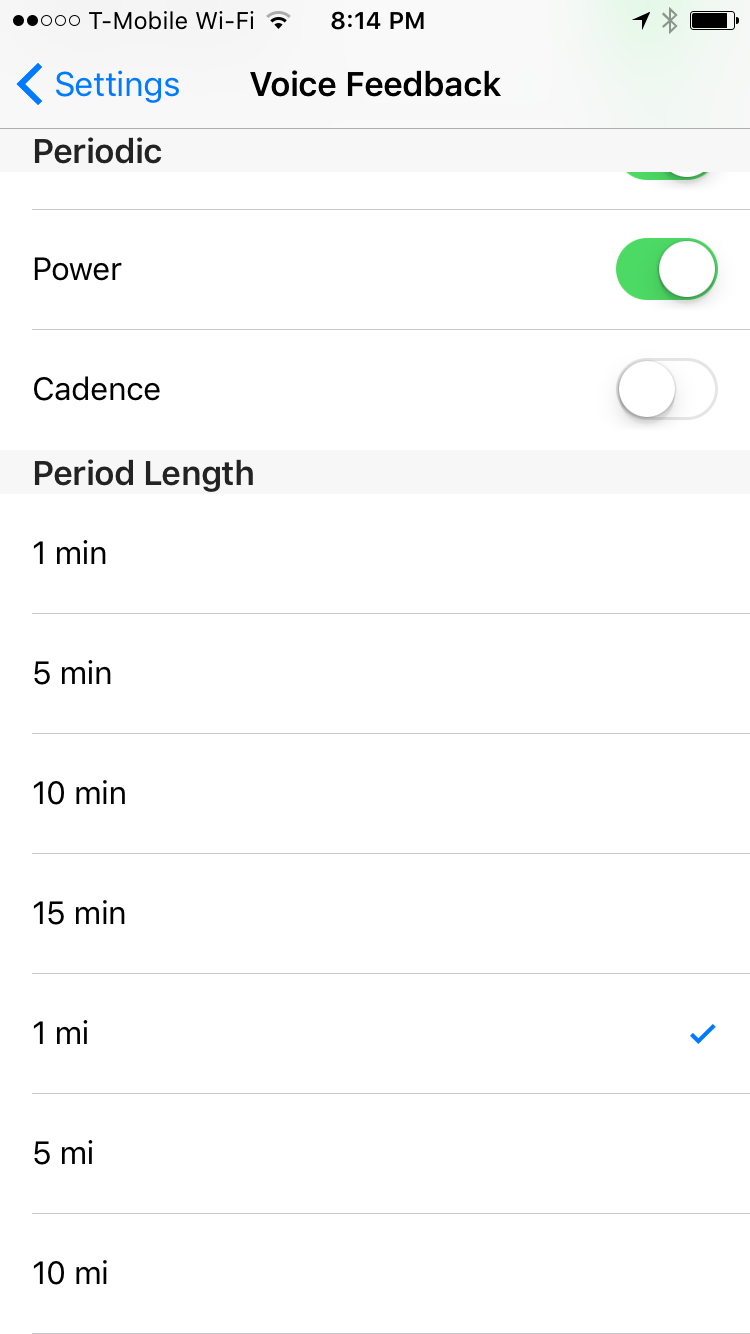
MiCycle Pro is a cycling tracking application. It records ride statistics, displays data to user if mounted, or speak to user while riding – if sits in a pocket. Interactive charts allow post-ride analysis.
- Works on
- iPhone
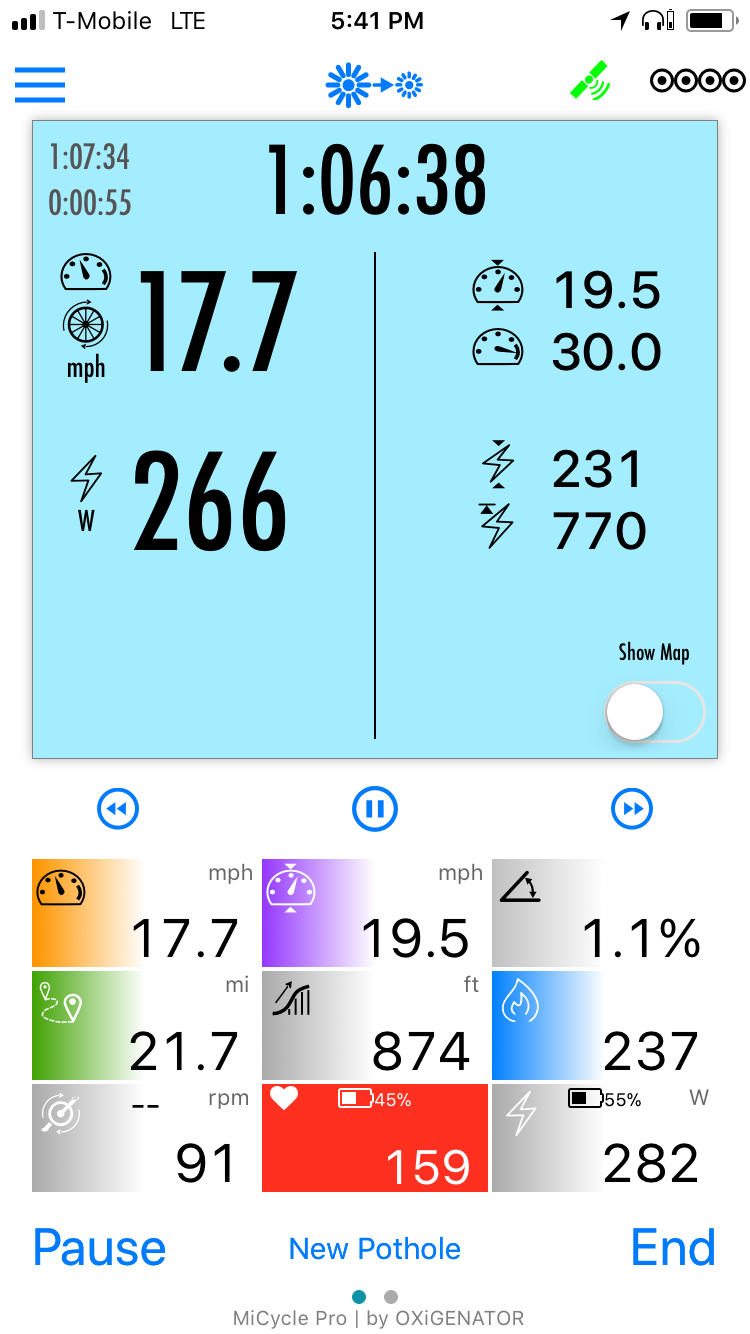
Screenshots · iPhone
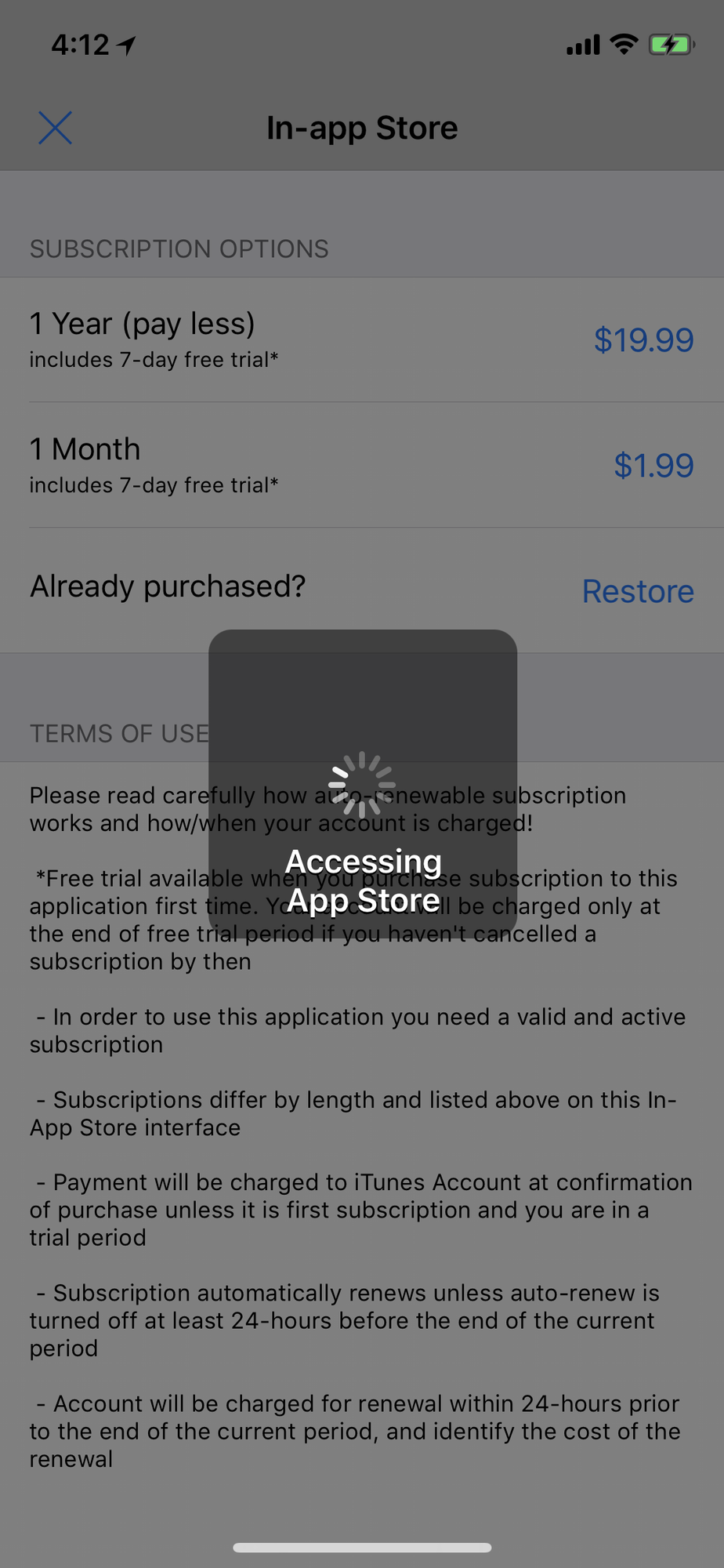
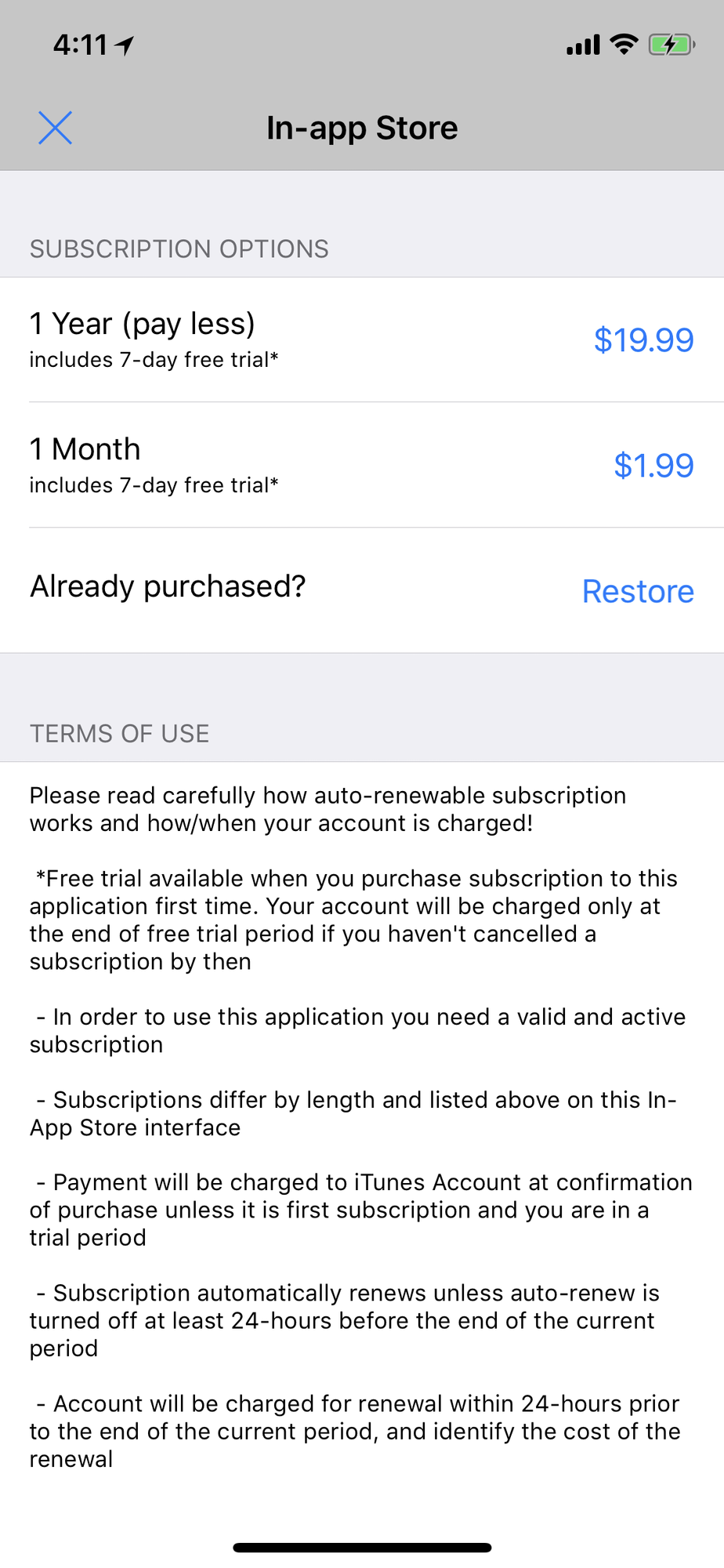
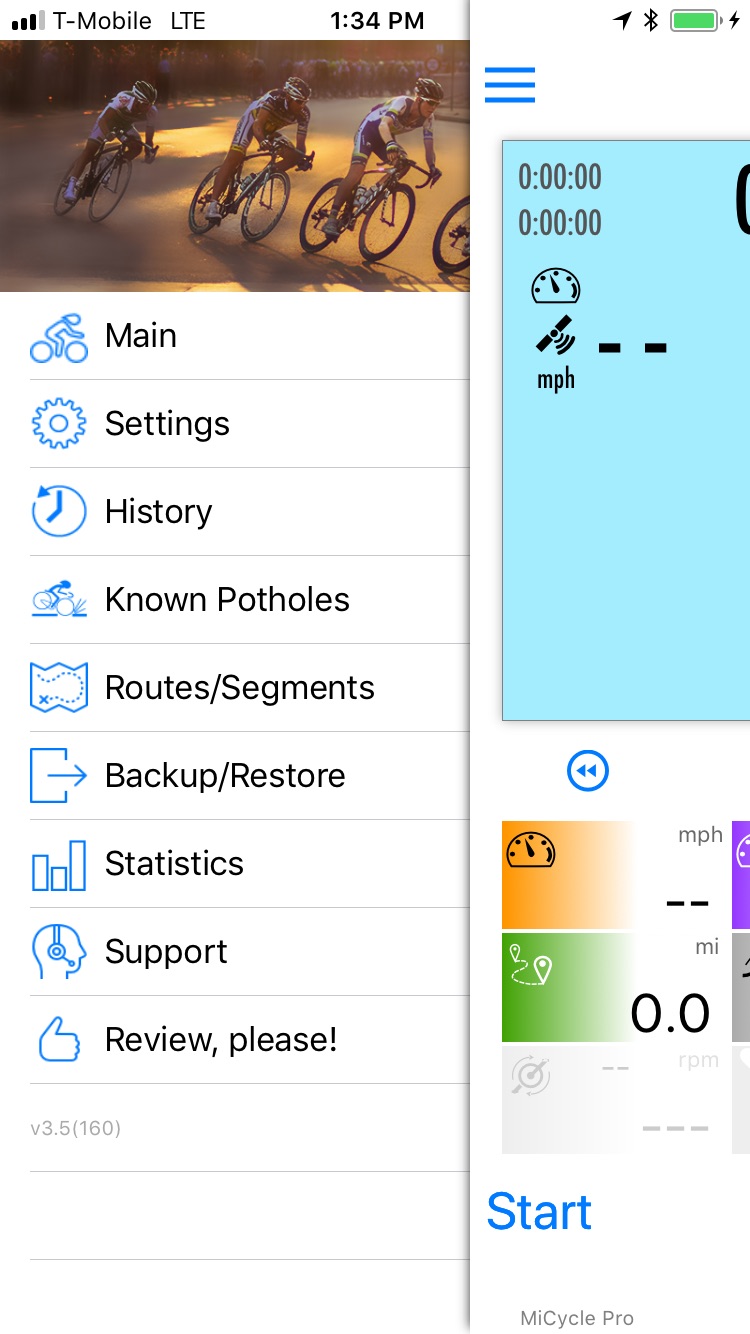
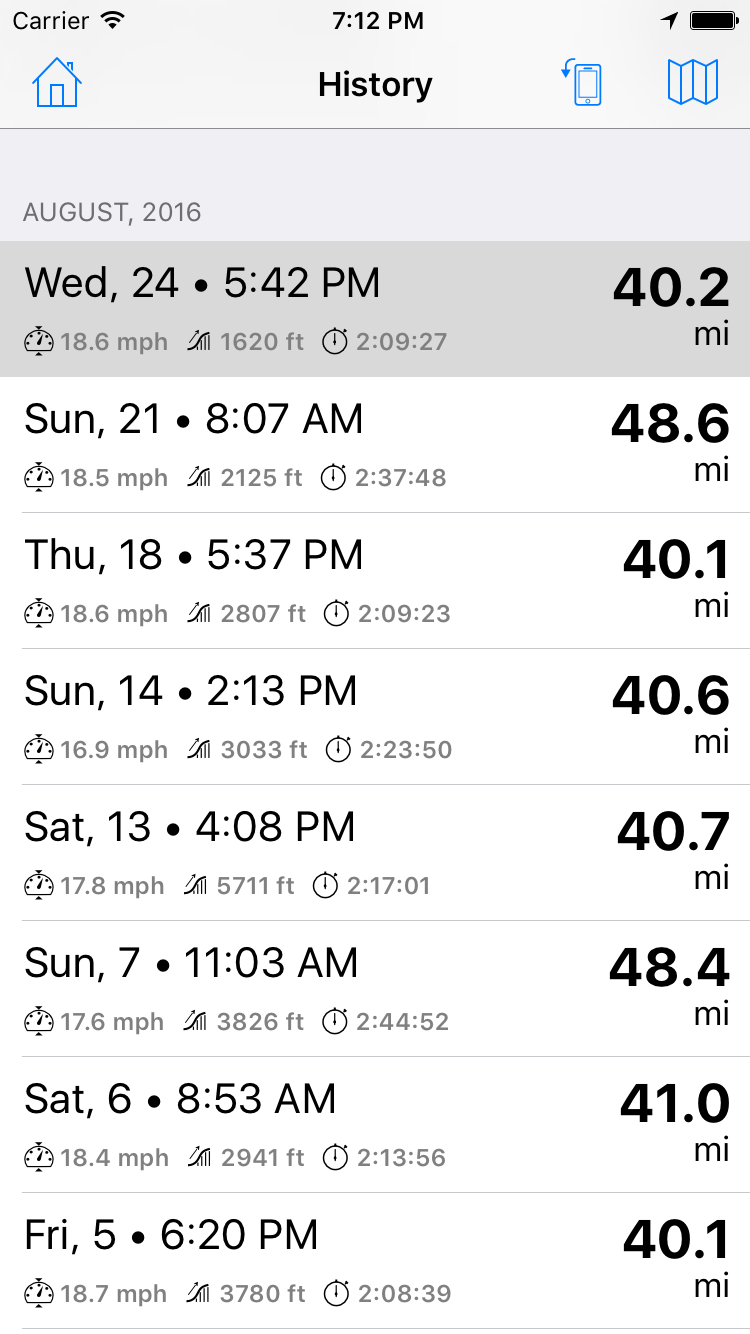
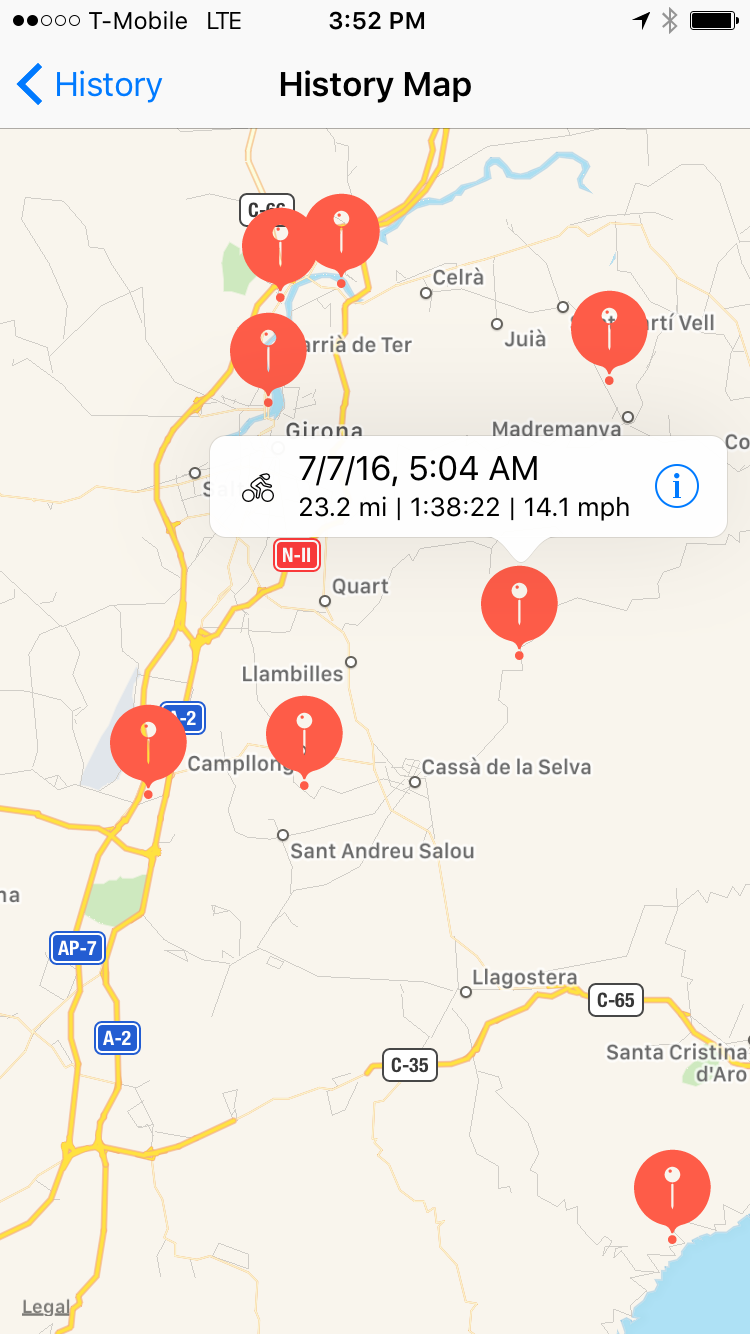
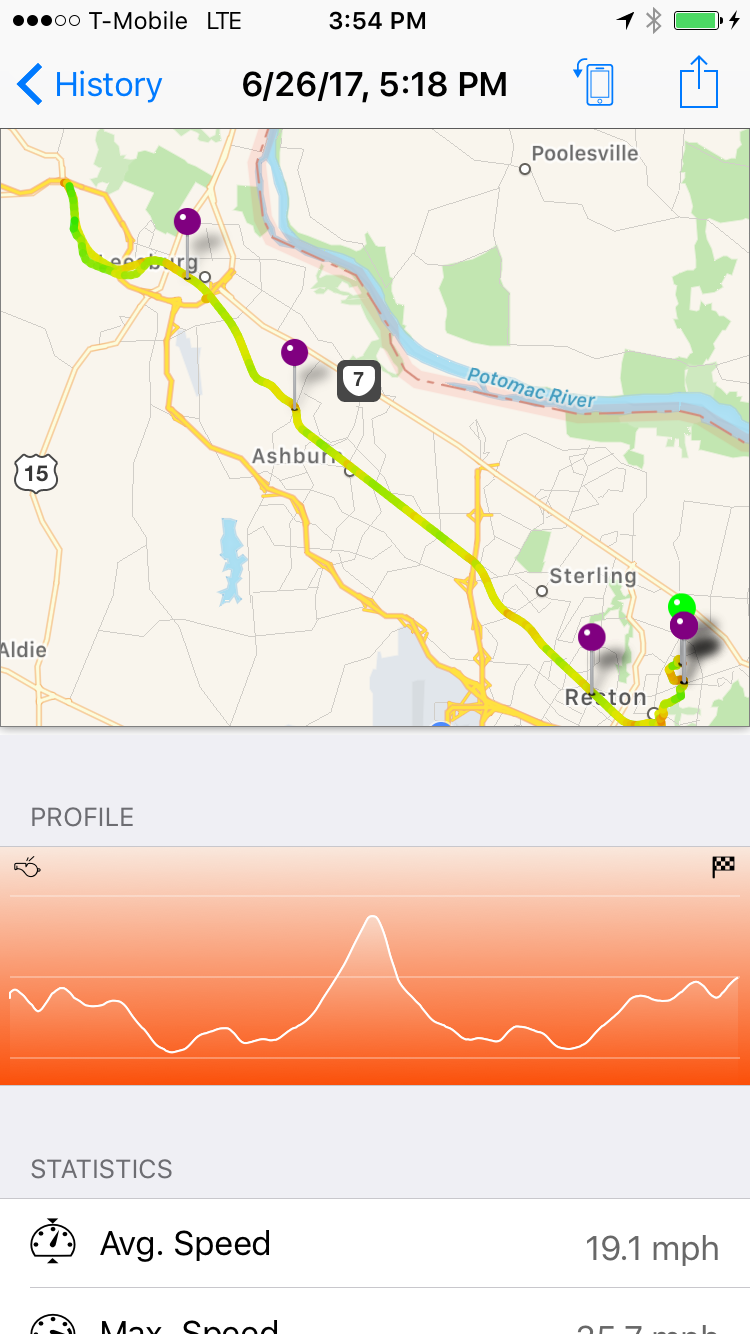
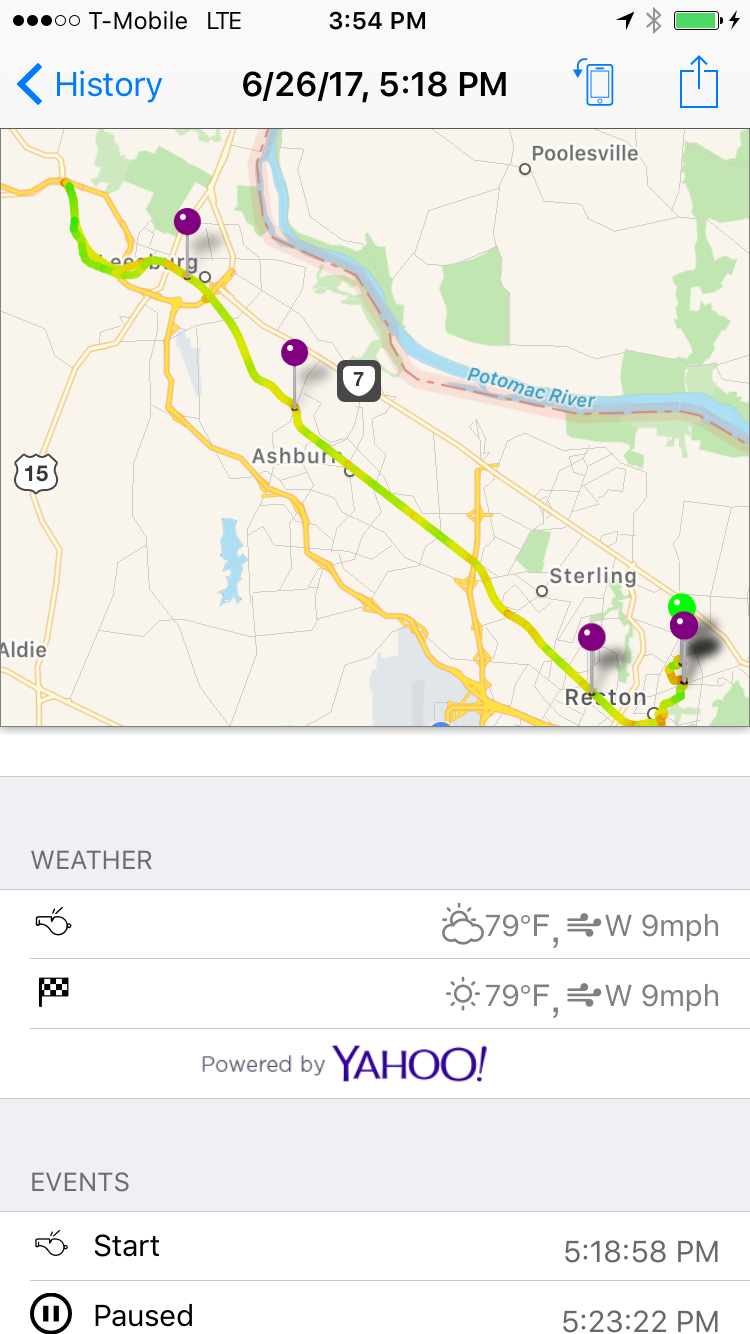
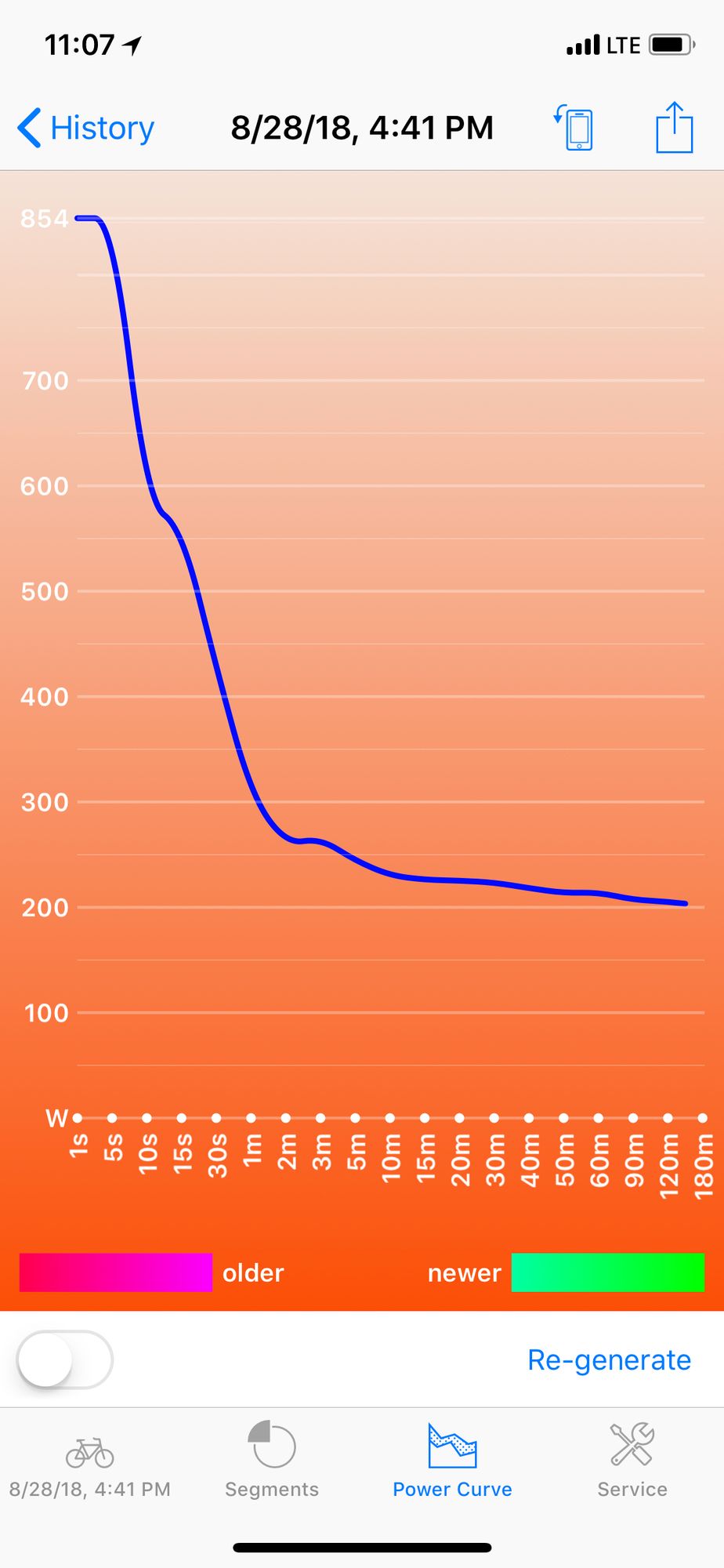
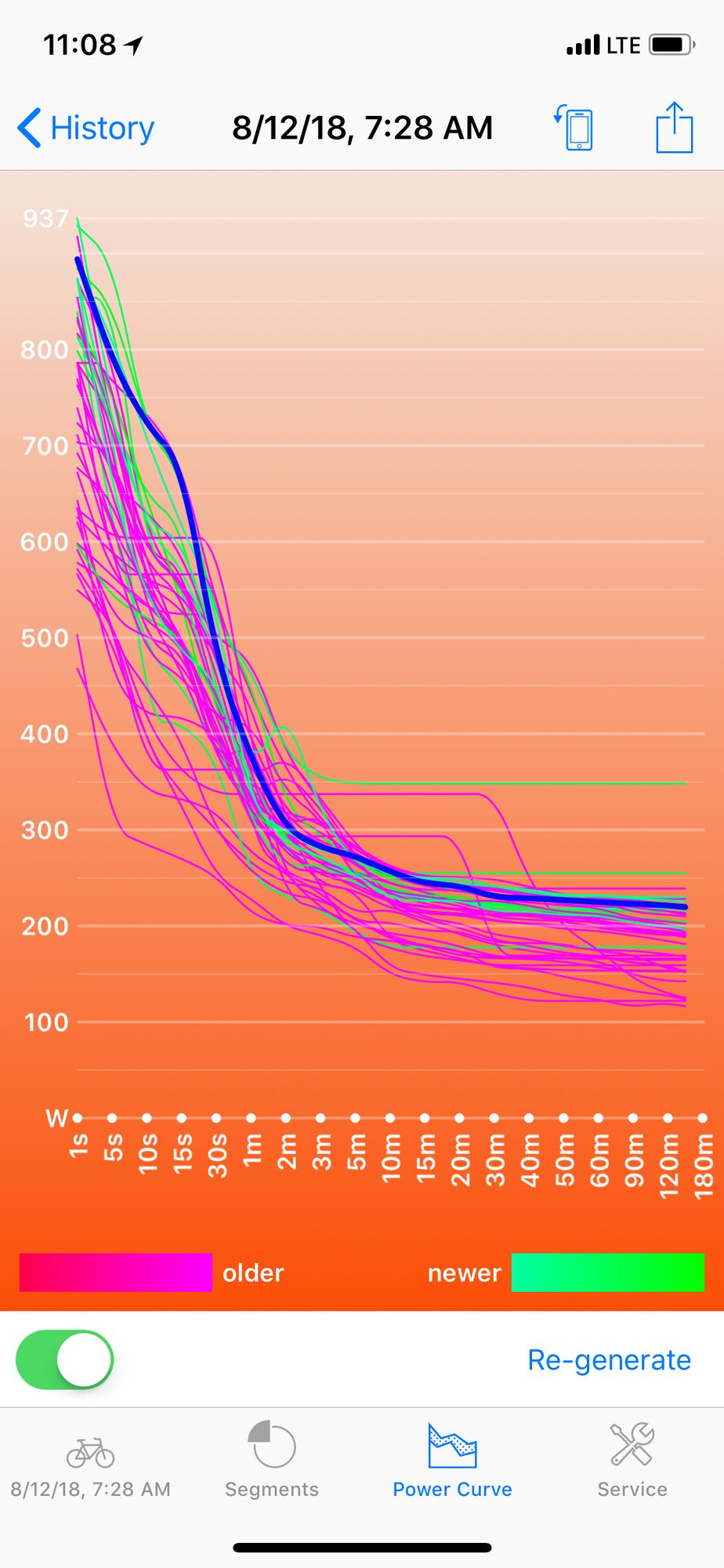
Screenshots · Apple Watch
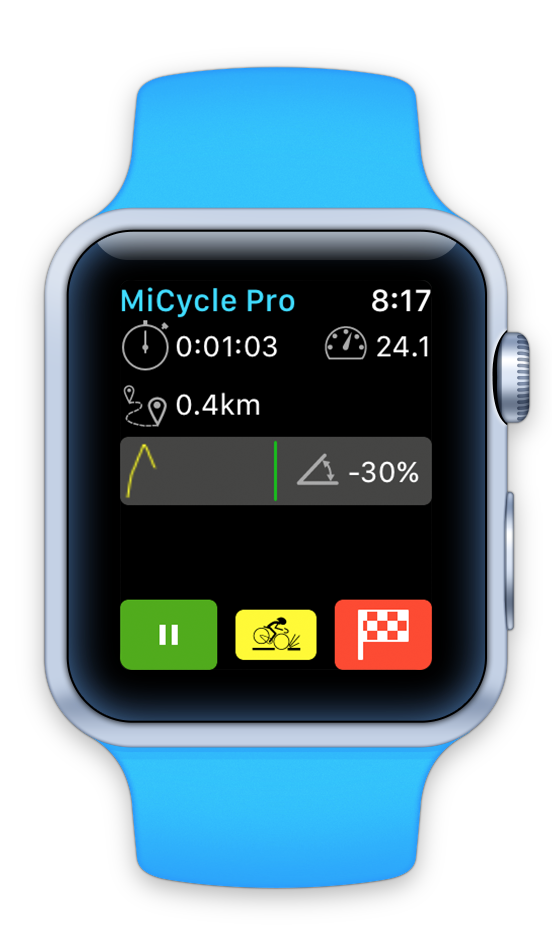
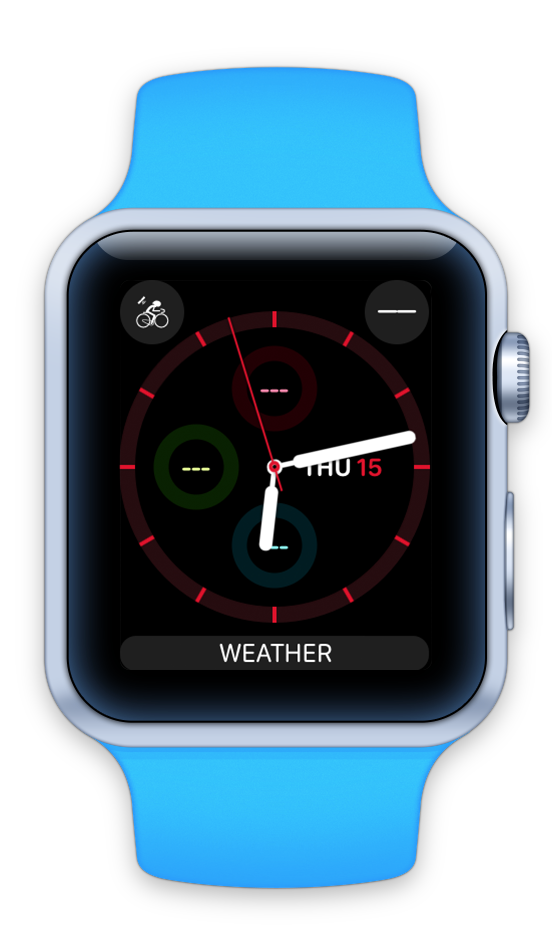
Rides Backup / Restore and Export / Import
To make sure that your data is safe or transfer it to new device application provides an ability to backup data into your iCloud storage. This data can be restored on same or another device as long as it is connected to the same iCloud account.
You can also send one particular ride via and message will include data files. We now include three data files: in MiCycle native format (this file can be imported on another device with MiCycle or MiCycle Pro application), GPX and TCX (those can be imported into popular online services like Strava). GPX format contains basic track data while TCX includes all data (position, heart rate, power, cadence, etc.).
Backup and Restore
Backup in progress
Backup complete
Manage bicycles
MiCycle allow to keep one (free version) or more bicycles on file. One that is marked as “current” will be attached to ride at the finish event. Each bicycle has various numeric parameters as well as attached sensors. Among those there is an odometer and application will automatically update current’s bike odometer at the finish.
For each bicycle you can track events, such as chain replacement, tire replacement or similar. Each event defines date and odometer at a time of event. Both populated automatically, but can be overwritten.
Bicycle List
Bicycle events list
Bicycle events list
Add bicycle event form
Create video from the ride
Once ride is complete and recored into a history, it can be used to generate a video that will show a map and animated route from start to finish, including pauses and important metrics, such as top speed, top power and highest altitude. Here is an example:
NOTE! If you receive an error “Recording interrupted by multitasking and content resizing” – you will need to perform a device reset (one that only resets settings, but not the media or content). You can do it via: Settings > General > Reset > Reset All Settings. You will lose PIN settings, Apple Pay settings, screen backgrounds, etc., but not the media or content!
News about MiCycle Pro
- Trainer mode, export improvements, history for free version of MiCycleVersions 3.8.2 and 3.8.3 of MiCycle and MiCycle Pro brought several important features and improvements.
- MiCycle get Segments and new UIMiCycle and MiCycle Pro were updated to 3.5. Both versions received an updated UI for in-ride display as well as Segments layer of features.
- TCX export and statistics added to MiCycle appsWe are happy to announce a new release of MiCycle and MiCycle Pro applications. Two main additions are: Statistics interface (to display overall, last and this month’s statistical data about rides)…